ApprenticeWizard's public Finder lets you combine a sector with a city before you open individual adverts. That gives you a more useful starting point than scrolling through every apprenticeship in the country.
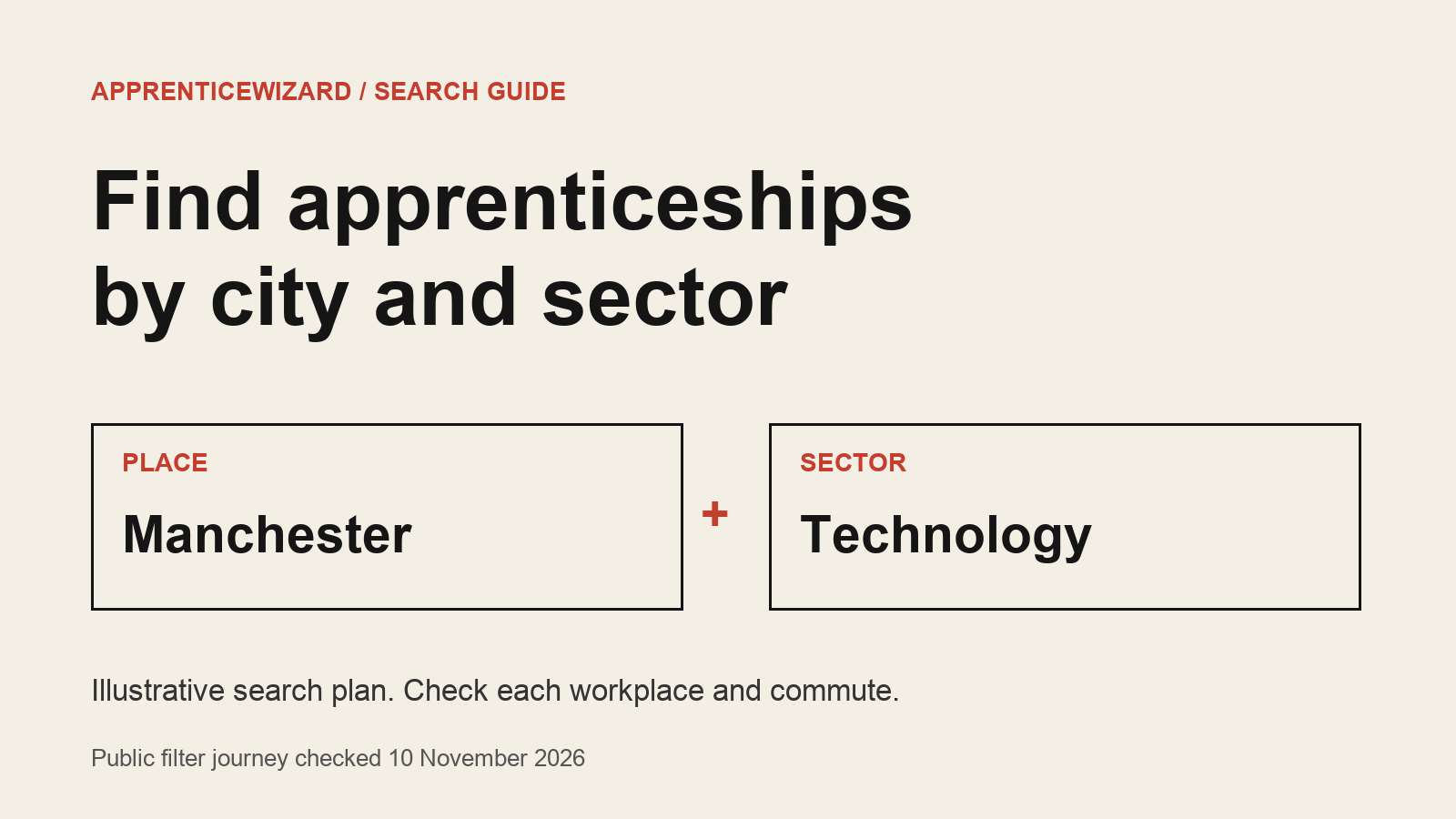
For example, a student looking for technology work around Manchester can select Technology and enter Manchester in the city field. We checked that journey on 10 November 2026. The results included Manchester and nearby places, so the next check is the actual workplace address, not just the city in your search.
You can search without paying. This guide is about narrowing that search and deciding which results deserve a closer look.
Start with the work and the place
Open the apprenticeship Finder. On the public apprenticeships page, the filters include sectors and a City or town field.
Choose a sector that matches the work you want to explore. Technology is a useful starting point if you want to compare software, IT support and other digital roles, but a sector label does not tell you what you will do each day. Read the role description before deciding that a result fits.
Enter a city you can realistically reach. Use where you could work, rather than an employer's head-office location or the place where you hope the training happens.
There are also city pages, including Manchester. These provide another entry into discovery. They do not remove the need to check each advert.
A Manchester technology example
Here is an illustrative search plan, not a recommendation of a particular vacancy:
- Sector: Technology.
- City: Manchester.
- First check on each result: the workplace and any other required locations.
- Second check: what the work involves and which qualification it leads to.
The live test produced a filtered URL containing both the sector and city. It also showed results in places such as Salford and Bolton. Treat that as a reminder to check the map and address yourself. A city search is a discovery aid; it is not a promise that every result is within your preferred journey.
If a result looks interesting, compare its location with the exact days and times you would need to travel. A route that works for a midday visit may not work for an early shift. Ask the employer about attendance and training locations when the advert leaves those details unclear.
Separate sector from qualification
A Technology filter does not mean every result is a degree apprenticeship. The public Finder has separate apprenticeship-type controls.
If you specifically want a degree route, use the Degree Apprenticeship control as well, then read the qualification named in the advert. If you are open to other routes, keep the type broader and compare what each programme actually teaches.
Do not rule a role in or out from its title alone. Similar titles can involve different work, qualifications and entry requirements. The advert and the training provider's requirements are the places to settle that question.
If the results do not fit
Change one filter at a time so you can see what helped.
If the location is too restrictive for your circumstances, try another place you could reach. If the work is wrong, change the sector or search wording. Keep a note of the combination you tried rather than repeating the same search without realising it.
More results are not automatically better. The useful result is one you can reach, qualify for and see yourself doing. An empty or short list is a reason to adjust the search, not proof that the whole sector has stopped recruiting.
Before an application joins your shortlist
Read the employer's current advert. Confirm that applications are still open, check the essential qualifications and look for a closing date or time. A result card is a starting point, not a substitute for the employer's terms.
Keep the specific requirement beside your evidence. If an advert asks for a subject or grade you do not have, check whether it names an accepted alternative before assuming you are eligible.
For the wider process, our guide to starting a free apprenticeship search covers the first search. This guide adds the location-and-sector step: reduce the list, then check whether the remaining roles work for your situation.
Finder search is free. The public filter journey and terms were checked on 10 November 2026. Results and vacancy status can change.